High-Level Architecture for Your Medicare AI Bot + Vicidial
 Fermin Perdomo
How to create Medicare AI Bot integrated with VICIdial can automate and scale outbound calling campaigns, offering compliant, intelligent voice assistance for:
- ✅ Medicare Part A, B, C, D inquiries
- ✅ Eligibility screening
- ✅ Plan comparisons
- ✅ Enrollment assistance
- ✅ Handoff to human agents when needed
VICIdial → SIP Call → AI Voice Bot (TTS/STT + GPT) → Response Flow
                                 ↓
         CRM + Medicare API ↔ AI Bot ↔ Agent Assist or Transfer
Step-by-Step Integration Plan
1. Choose a Platform Setup
OptionTech LevelToolsNo-Code | Beginner | Floatbot, Fone AI, Callin.io
Semi-Custom | Intermediate | Twilio SIP → Whisper + GPT + ElevenLabs
Fully Custom | Advanced | VICIdial + Asterisk ARI + Node/Python NLP Pipeline
Let’s go with Option 2 (Semi-Custom) for control + Medicare compliance.
2. Core Components You’ll Need
ComponentPurposeSuggested ToolSTT (Speech-to-Text) | Transcribe user speech | Deepgram / Whisper (OpenAI)
NLP Engine | Understand intent | GPT-4 / LangChain / Rasa
TTS (Text-to-Speech) | Speak to users | ElevenLabs / Google TTS
Voice Gateway | Bridge audio to bot | Twilio SIP / SignalWire / FreeSWITCH
CRM/Database | Store user data | MySQL / Firebase / Supabase
Compliance/Logging | Call recordings, disclosures | Built-in VICIdial + Bot logs
3. VICIdial Configuration
- Add SIP Carrier (e.g., Twilio)
[freeswitch]
type=friend
host=sip.freeswitch.com
username=YOUR_USER
secret=YOUR_SECRET
disallow=all
allow=ulaw
context=trunkinbound
- Create a DID for the bot
- Point inbound calls to the SIP bot or route outbound auto-dials to it
- Use a Remote Agent or In-Group Transfer
- Automatically route calls to the bot via campaign configuration
4. AI Voice Bot Application Logic
Build your AI voice bot handler in Node.js or Python, and connect it to Twilio or your SIP system:
Call Flow Example:
- “Hello! This is your virtual Medicare assistant. Are you looking for Part C or D coverage?”
- Transcribe user speech using Whisper/Deepgram
- Process text using GPT-4 or LangChain prompt
- Text-to-speech (ElevenLabs): “Great! Based on your ZIP code, you may qualify for zero-premium plans. Would you like me to connect you to a licensed agent?”
GPT Prompt Sample:
You are a friendly virtual assistant for Medicare plan comparisons.
Your goal is to:
- Ask basic eligibility (age, zip)
- Explain differences in Part C vs Part D
- Compare plans from a provided list (fetched via API)
- Help enroll or transfer to human

Always comply with CMS guidelines and speak slowly.
5. Compliance & Legal Notes
- 🔒 Must include:
- Recording consent
- CMS disclaimers (e.g., “We do not offer every plan available...”)
- Option to speak to a human
- 📜 Keep audit logs of each conversation and response
- 🎧 Store recordings via VICIdial or S3 bucket
6. Optional CRM & Reporting Layer
- Log calls and transcripts to:
- Google Sheets (for prototype)
- Airtable
- Custom Laravel or Firebase backend
- Use tags like:
- Interested, Needs Human, Unqualified, Do Not Call
Want an Example Stack?
ComponentToolVoice Gateway | Twilio Programmable Voice (SIP + webhooks)
AI Pipeline | Node.js app with Deepgram → GPT → ElevenLabs
UI | Admin dashboard in Laravel or React
CRM | Firebase (light) or MySQL + Laravel Nova
Hosting | Fly.io / Vercel / AWS Lambda
Call Control | VICIdial outbound campaigns
🚀 Bonus: Outbound Campaign Strategy
- Load leads into VICIdial with consent
- Run a preview or auto-dial campaign
- Send call to SIP AI Bot
- Record + track responses
- Route to live agent only if interested
Overview: System Architecture
plaintext
Copy

Edit[ VICIdial ]
    ↓ SIP Call
[ Twilio SIP / FS Gateway ]
    ↓ Webhook
[ AI Voice App (Node.js) ]
    ↓
[ STT (Whisper/Deepgram) ] → [ GPT-4 for NLP ] → [ TTS (ElevenLabs/Google) ]
    ↓
[ Speech Response → SIP Audio ]
    ↓
User
🧪 PoC Goals
GoalTechHandle outbound VICIdial call | VICIdial + SIP trunk
Route call to bot via SIP | Twilio Programmable Voice
Transcribe audio | Whisper or Deepgram
Use GPT to respond to Medicare queries | GPT-4 via OpenAI
Convert GPT text to speech | ElevenLabs TTS
Store call logs and transcripts | Firebase / MySQL
Optional: Handoff to human | Transfer via SIP or VICIdial campaign
🔧 Components Setup
1. VICIdial → SIP Setup
✅ Add Twilio SIP Trunk in VICIdial
ini
Copy

Edit[twilio]
type=peer
host=your-twilio-sip.sip.twilio.com
username=twiliouser
secret=twilioPassword
context=trunkinbound
disallow=all
allow=ulaw
✅ Create DID or Campaign
- Route to this carrier
- For outbound, use External Phones or Remote Agent
2. AI Voice Bot (Node.js)
Folder Structure
bash
Copy

Editai-voice-bot/
├── server.js
├── routes/
│   └── voice.js
├── services/
│   ├── stt.js
│   ├── gpt.js
│   └── tts.js
├── utils/
│   └── recorder.js
├── .env
server.js (Express App)
js
Copy

Editconst express = require('express');
const voiceRouter = require('./routes/voice');
const bodyParser = require('body-parser');
require('dotenv').config();

const app = express();
app.use(bodyParser.urlencoded({ extended: false }));
app.use('/voice', voiceRouter);

app.listen(3000, () => {
  console.log('Bot running on port 3000');
});
routes/voice.js
js
Copy

Editconst express = require('express');
const router = express.Router();
const { transcribe } = require('../services/stt');
const { generateReply } = require('../services/gpt');
const { synthesizeSpeech } = require('../services/tts');

router.post('/', async (req, res) => {
  const userSpeechUrl = req.body.RecordingUrl;
  const transcription = await transcribe(userSpeechUrl);
  const gptResponse = await generateReply(transcription);
  const audioUrl = await synthesizeSpeech(gptResponse);

  res.set('Content-Type', 'text/xml');
  res.send(`
    <Response>
      <Play>${audioUrl}</Play>
      <Record maxLength="30" action="/voice" method="POST" />
    </Response>
  `);
});

module.exports = router;
3. STT (Deepgram or Whisper)
services/stt.js
js
Copy

Editconst axios = require('axios');

async function transcribe(audioUrl) {
  const response = await axios.post('https://api.deepgram.com/v1/listen', {
    url: audioUrl
  }, {
    headers: { Authorization: `Token ${process.env.DEEPGRAM_API_KEY}` }
  });
  return response.data.results.channels[0].alternatives[0].transcript;
}
module.exports = { transcribe };
4. GPT Integration
services/gpt.js
js
Copy

Editconst { OpenAI } = require('openai');
const openai = new OpenAI({ apiKey: process.env.OPENAI_API_KEY });

async function generateReply(inputText) {
  const response = await openai.chat.completions.create({
    model: "gpt-4",
    messages: [
      { role: "system", content: "You're a Medicare AI Assistant..." },
      { role: "user", content: inputText }
    ]
  });
  return response.choices[0].message.content;
}
module.exports = { generateReply };
5. TTS (ElevenLabs)
services/tts.js
js
Copy

Editconst axios = require('axios');
const fs = require('fs');
const path = require('path');

async function synthesizeSpeech(text) {
  const response = await axios.post(`https://api.elevenlabs.io/v1/text-to-speech/${process.env.ELEVENLABS_VOICE_ID}`, {
    text,
    voice_settings: { stability: 0.75, similarity_boost: 0.75 }
  }, {
    headers: {
      'xi-api-key': process.env.ELEVENLABS_API_KEY,
      'Content-Type': 'application/json'
    },
    responseType: 'arraybuffer'
  });

  const outputPath = path.join(__dirname, '..', 'public', `response.mp3`);
  fs.writeFileSync(outputPath, response.data);
  return `${process.env.PUBLIC_URL}/response.mp3`;
}

module.exports = { synthesizeSpeech };
📥 .env (sample)
ini
Copy

EditOPENAI_API_KEY=sk-...
DEEPGRAM_API_KEY=...
ELEVENLABS_API_KEY=...
ELEVENLABS_VOICE_ID=YOUR_VOICE_ID
PUBLIC_URL=https://your-domain.com
📡 Twilio Webhook
Set your SIP domain to hit:
arduino
Copy

Edithttps://your-domain.com/voice
✅ Deployment
- Host on:
- Fly.io
- Vercel (with Express adapter)
- EC2 (if SIP routing locally)
- Expose via HTTPS (Twilio requires it)
Newsletter
Get new posts delivered straight to your inbox.
Great Tools for Developers
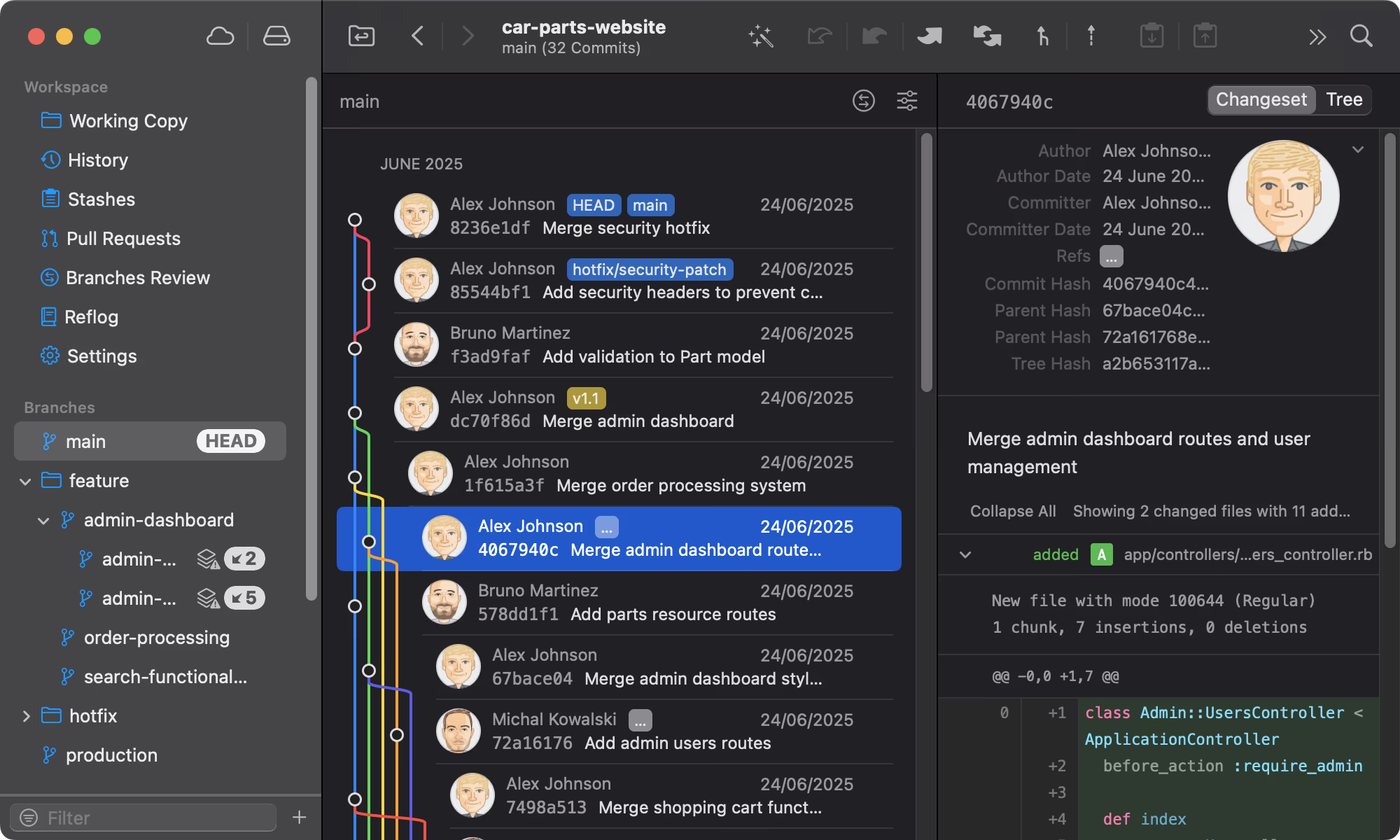
Git Tower
Get Started - It's FreeA powerful Git client for Mac and Windows that simplifies version control.
Mailcoach
Start freeSelf-hosted email marketing platform for sending newsletters and automated emails.
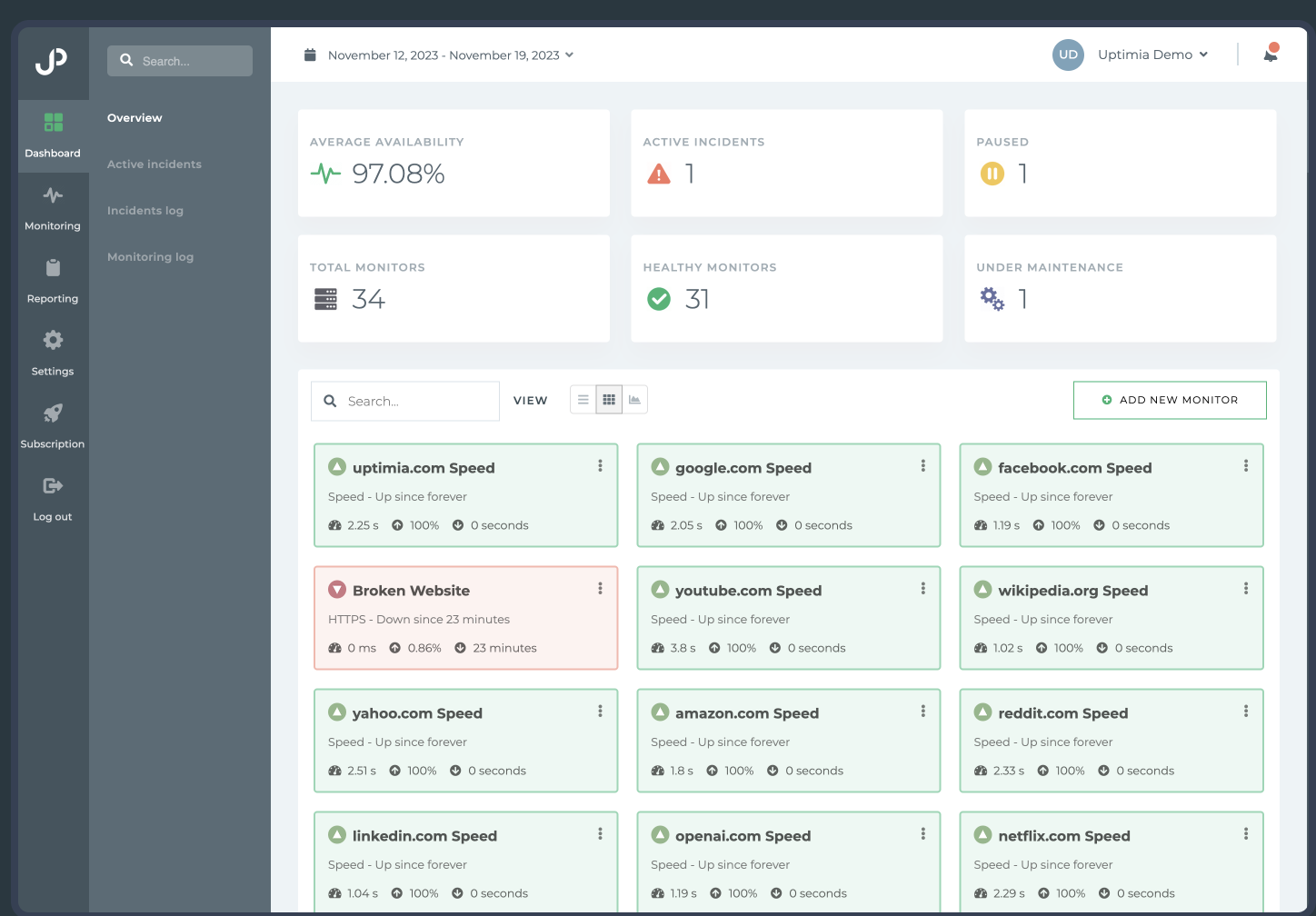
Uptimia
Start freeWebsite monitoring and performance testing tool to ensure your site is always up and running.
Cloudways
Start freeManaged cloud hosting platform that simplifies server management for developers.
Comments
No comments yet. Be the first to share your thoughts.