How to Add Comments to Laravel Using Beyond Code Laravel Comments
 Fermin Perdomo
Adding a comment system to your Laravel app doesn’t need to be complicated. With Beyond Code’s Laravel Comments, you can easily make any Eloquent model commentable.
In this guide, I’ll walk you through setting up Laravel Comments step by step. Let's dive in!
Step 1: Install the Package
Start by installing the package via Composer:
composer require beyondcode/laravel-comments
Step 2: Publish the Config and Migrations
Publish the config and migration files:
php artisan vendor:publish --provider="BeyondCode\Comments\CommentsServiceProvider"
Then run the migrations:
php artisan migrate
Step 3: Make Your Model Commentable
You can make any model (like Post, Product, etc.) commentable by using the HasComments trait:
use BeyondCode\Comments\Traits\HasComments;

class Post extends Model
{
    use HasComments;
}
Now your model can receive comments!
Step 4: Set Up the User Model
Make sure your User model uses the CanComment trait:
use BeyondCode\Comments\Traits\CanComment;

class User extends Authenticatable
{
    use CanComment;
}
This enables users to write comments.
Step 5: Add Comment Functionality in Controller
Let’s assume you want to let users comment on a post. Here's a simple controller method:
public function comment(Request $request, Post $post)
{
    $request->validate([
        'comment' => 'required|string|max:1000',
    ]);

    $post->comment($request->comment, auth()->user());

    return back()->with('success', 'Comment added!');
}
Step 6: Display Comments in Blade
In your post.blade.php (or wherever you're showing the post):
<h2>Comments</h2>

@foreach($post->comments as $comment)
    <div class="mb-3 p-3 border rounded">
        <strong>{{ $comment->commentator->name }}</strong> said:<br>
        {{ $comment->comment }}
        <br><small class="text-muted">{{ $comment->created_at->diffForHumans() }}</small>
    </div>
@endforeach
Step 7: Add Comment Form
@if(auth()->check())
    <form method="POST" action="{{ route('posts.comment', $post) }}">
        @csrf
        <textarea name="comment" class="form-control" rows="3" required></textarea>
        <button class="btn btn-primary mt-2">Add Comment</button>
    </form>
@else
    <p><a href="{{ route('login') }}">Log in</a> to add a comment.</p>
@endif
Optional: Moderate Comments
If you want to add moderation or approval workflows, you can customize the package further by extending the Comment model or using events such as CommentCreated.
Conclusion
Beyond Code’s Laravel Comments package makes it super easy to add rich comment features to your Laravel application. With just a few steps, you’ve got a fully working comment system!
Newsletter
Get new posts delivered straight to your inbox.
Great Tools for Developers
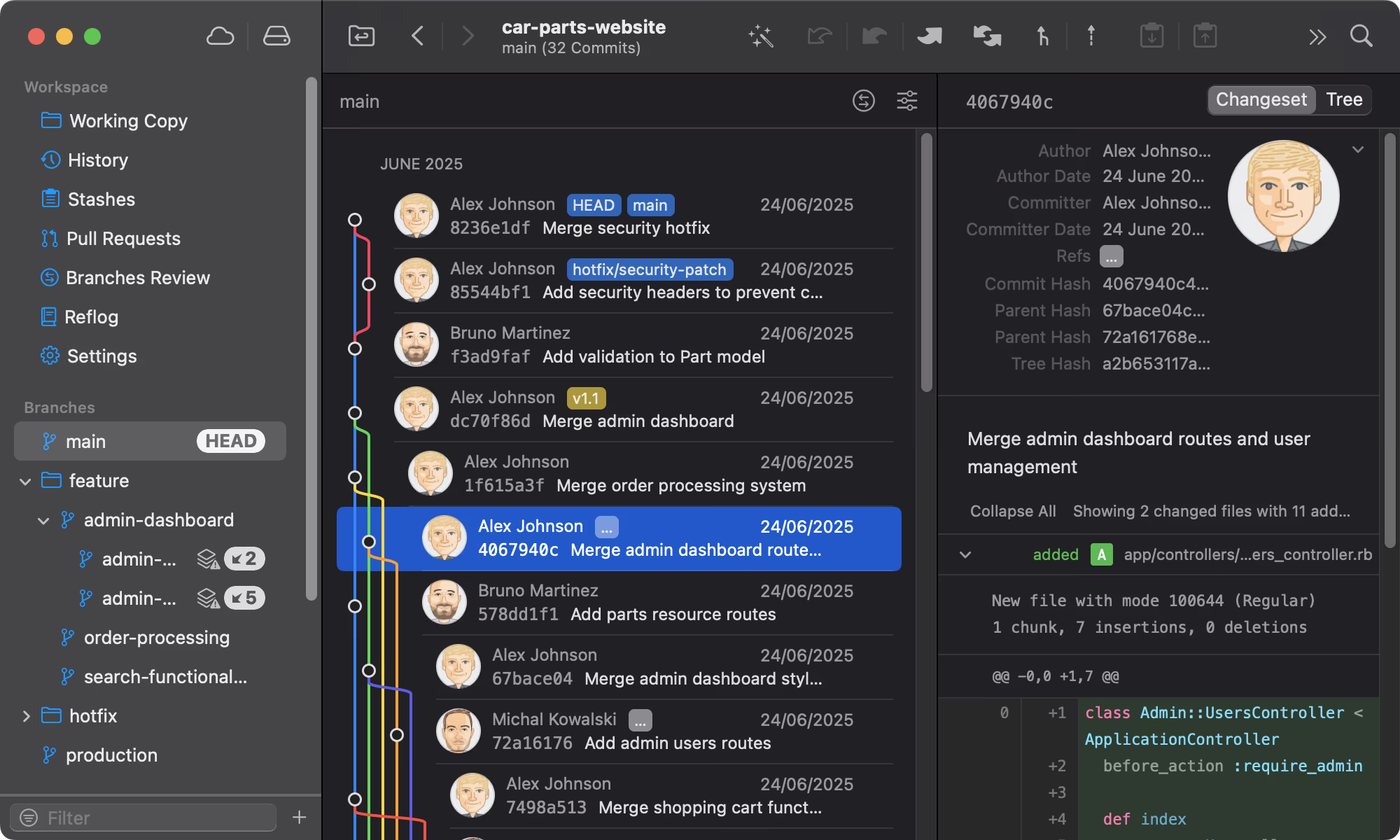
Git Tower
Get Started - It's FreeA powerful Git client for Mac and Windows that simplifies version control.

Mailcoach
Start freeSelf-hosted email marketing platform for sending newsletters and automated emails.
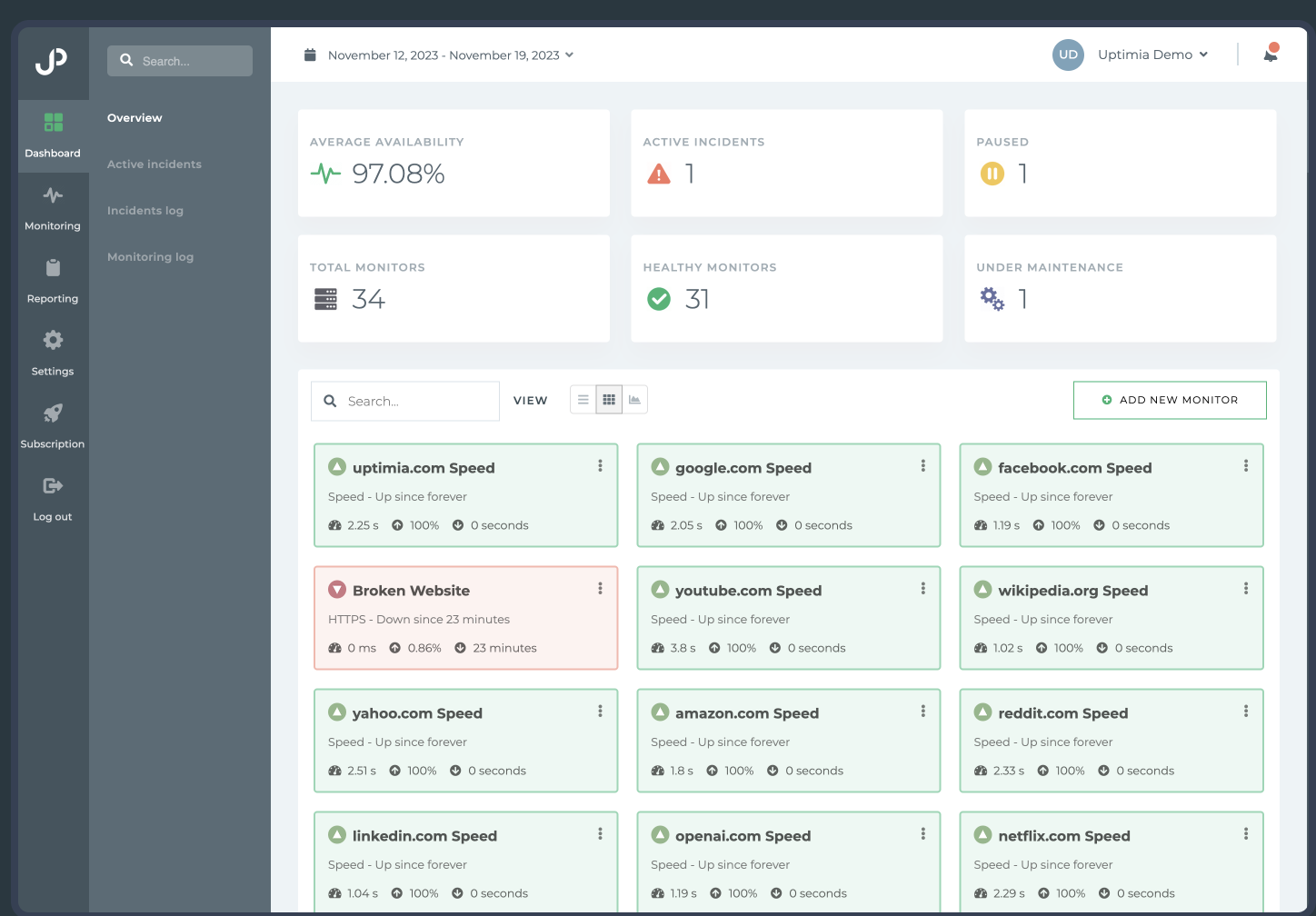
Uptimia
Start freeWebsite monitoring and performance testing tool to ensure your site is always up and running.

Cloudways
Start freeManaged cloud hosting platform that simplifies server management for developers.
Comments
No comments yet. Be the first to share your thoughts.