How to create an MCP server with PHP
 Fermin Perdomo
One of the biggest challenges in AI adoption is connecting models with the right tools and data securely. That’s where MCP comes in.
Model Context Protocol (MCP) is a new open standard designed by Anthropic to improve how AI models access and interact with external information and tools. At its core, MCP is about making AI agents more capable, scalable, and secure by decoupling the agent from the messy context management and custom tool integrations that developers currently juggle.
Model Context Protocol defines a shared protocol—an agreed-upon way for clients to discover and use external tools and context servers. By doing so, it standardizes the way AI agents access capabilities to APIs, while giving providers control over how those capabilities are presented and used.
In this post, I’ll tell you what MCP is and why it matters. We’ll also walk through how you can start experimenting with MCP server.
Why does it matter?
- Interoperability: AI agents can work across multiple systems without custom connectors for each.
- Security: Standardized permissions and isolation mean safer integrations.
- Scalability: Build once, and your tools can work with many AI platforms.
Example use cases
- A customer support AI agent pulling live ticket data from your CRM.
- A finance assistant analyzing real-time market data before drafting insights.
- A developer productivity bot securely connecting to GitHub, Jira, and CI/CD pipelines.
Installation
composer require pronskiy/mcp
Create a simple server
require 'vendor/autoload.php';

$server = new \Pronskiy\Mcp\Server('simple-mcp-server');

$server
    ->tool(
        'add-numbers',
        'Adds two numbers together',
        fn(float $num1, float $num2) => "The sum of {$num1} and {$num2} is " . ($num1 + $num2)
    )
    ->tool(
        'multiply-numbers',
        'Multiplies two numbers',
        fn(float $num1, float $num2) => "The product of {$num1} and {$num2} is " . ($num1 * $num2)
    );

$server->run();
Adding a function to check the weather
// HTTP client
$http = new Client([
    'timeout' => 10,
    'http_errors' => false,
]);

/**
 * get-weather
 * Params:
 *  - $city  (string, required)  e.g. "Santiago", "Miami", "Berlin"
 *  - $units (string, optional)  "metric" (default) or "imperial"
 *
 * Returns a human-readable summary + a compact JSON payload.
 */
$server->tool(
    'get-weather',
    'Get current weather by city name (uses Open-Meteo, no API key required).',
    function (string $city, string $units = 'metric') use ($http) {
        try {
            // 1) Geocode city -> lat/lon
            $geoResp = $http->get('https://geocoding-api.open-meteo.com/v1/search', [
                'query' => [
                    'name'     => $city,
                    'count'    => 1,
                    'language' => 'en',
                    'format'   => 'json',
                ],
            ]);

            if ($geoResp->getStatusCode() !== 200) {
                return "ERROR: Geocoding failed with HTTP " . $geoResp->getStatusCode();
            }

            $geo = json_decode($geoResp->getBody()->getContents(), true);
            if (empty($geo['results'][0])) {
                return "ERROR: Could not find location for '{$city}'. Try a more specific name.";
            }

            $place = $geo['results'][0];
            $lat   = $place['latitude'];
            $lon   = $place['longitude'];
            $label = trim(($place['name'] ?? '') .
                          (isset($place['admin1']) ? ", {$place['admin1']}" : '') .
                          (isset($place['country']) ? ", {$place['country']}" : ''));

            // 2) Fetch current weather
            $temperatureUnit = $units === 'imperial' ? 'fahrenheit' : 'celsius';
            $windUnit        = $units === 'imperial' ? 'mph'        : 'kmh';

            $wxResp = $http->get('https://api.open-meteo.com/v1/forecast', [
                'query' => [
                    'latitude'          => $lat,
                    'longitude'         => $lon,
                    'current_weather'   => 'true',         // simple current conditions
                    'temperature_unit'  => $temperatureUnit,
                    'windspeed_unit'    => $windUnit,
                    'timezone'          => 'auto',
                ],
            ]);

            if ($wxResp->getStatusCode() !== 200) {
                return "ERROR: Weather fetch failed with HTTP " . $wxResp->getStatusCode();
            }

            $wx = json_decode($wxResp->getBody()->getContents(), true);
            if (empty($wx['current_weather'])) {
                return "ERROR: Unexpected weather response (no current_weather).";
            }

            $c = $wx['current_weather'];
            $temp     = $c['temperature']    ?? null;
            $wind     = $c['windspeed']      ?? null;
            $isDay    = ($c['is_day'] ?? 1) ? 'day' : 'night';
            $obsTime  = $c['time'] ?? '';
            $tempUnit = $units === 'imperial' ? '°F' : '°C';
            $windUnit = $units === 'imperial' ? 'mph' : 'km/h';

            // Human summary
            $summary = "{$label}: {$temp}{$tempUnit}, wind {$wind} {$windUnit}, {$isDay}. (Observed: {$obsTime})";

            // Compact JSON payload (stringified so it’s easy to display/return)
            $payload = json_encode([
                'location'   => $label,
                'coords'     => ['lat' => $lat, 'lon' => $lon],
                'units'      => $units,
                'observedAt' => $obsTime,
                'current'    => [
                    'temperature' => $temp,
                    'wind'        => $wind,
                    'isDay'       => $c['is_day'] ?? null,
                    'weathercode' => $c['weathercode'] ?? null,
                ],
            ], JSON_UNESCAPED_SLASHES);

            return $summary . "\n" . $payload;

        } catch (\Throwable $e) {
            return "ERROR: " . $e->getMessage();
        }
    }
);
How you’d call it (from your MCP client)
Prompt something like:
“Use get-weather for Santiago with metric units.”
You’ll get a readable line plus a JSON blob you can parse or display.
If you want a version that takes coordinates instead of a city name, say the word and I’ll add a get-weather-by-coords(lat, lon, units) tool too.
Test it from the shell (no MCP UI needed)
printf '%s\n' \
'{"jsonrpc":"2.0","id":1,"method":"initialize","params":{"clientInfo":{"name":"cli","version":"0.0.1"},"protocolVersion":"2024-11-05"}}' \
'{"jsonrpc":"2.0","id":2,"method":"tools/list"}' \
'{"jsonrpc":"2.0","id":3,"method":"tools/call","params":{"name":"get-weather","arguments":{"city":"Santiago","units":"metric"}}}' \
| php server.php
You’ll see responses like:
{"jsonrpc":"2.0","id":1,"result":{"protocolVersion":"2024-11-05","serverInfo":{"name":"simple-mcp-server","version":"1.0.0"},"capabilities":{}}}
{"jsonrpc":"2.0","id":2,"result":{"tools":[{"name":"get-weather", ...}]}}
{"jsonrpc":"2.0","id":3,"result":{"content":[{"type":"text","text":"Santiago, Santiago, Dominican Republic: 31°C, wind 9 km/h, day. (Observed: 2025-09-06T16:00) \n{\"location\":\"Santiago, ...\"}"}]}}
Use it from an MCP client (e.g., Claude Desktop)
- In your MCP client’s settings, add a custom server:
- Command: /absolute/path/to/php /absolute/path/to/server.php
- Env: none required for weather (your tool calls public APIs)
- In a chat, just ask:
“Use the tool get-weather for Santiago with metric units.”
The client will automatically:
- initialize
- tools/list
- tools/call → { name: "get-weather", arguments: { city: "Santiago", units: "metric" } }
…and return the tool’s text output.
Newsletter
Get new posts delivered straight to your inbox.
Great Tools for Developers
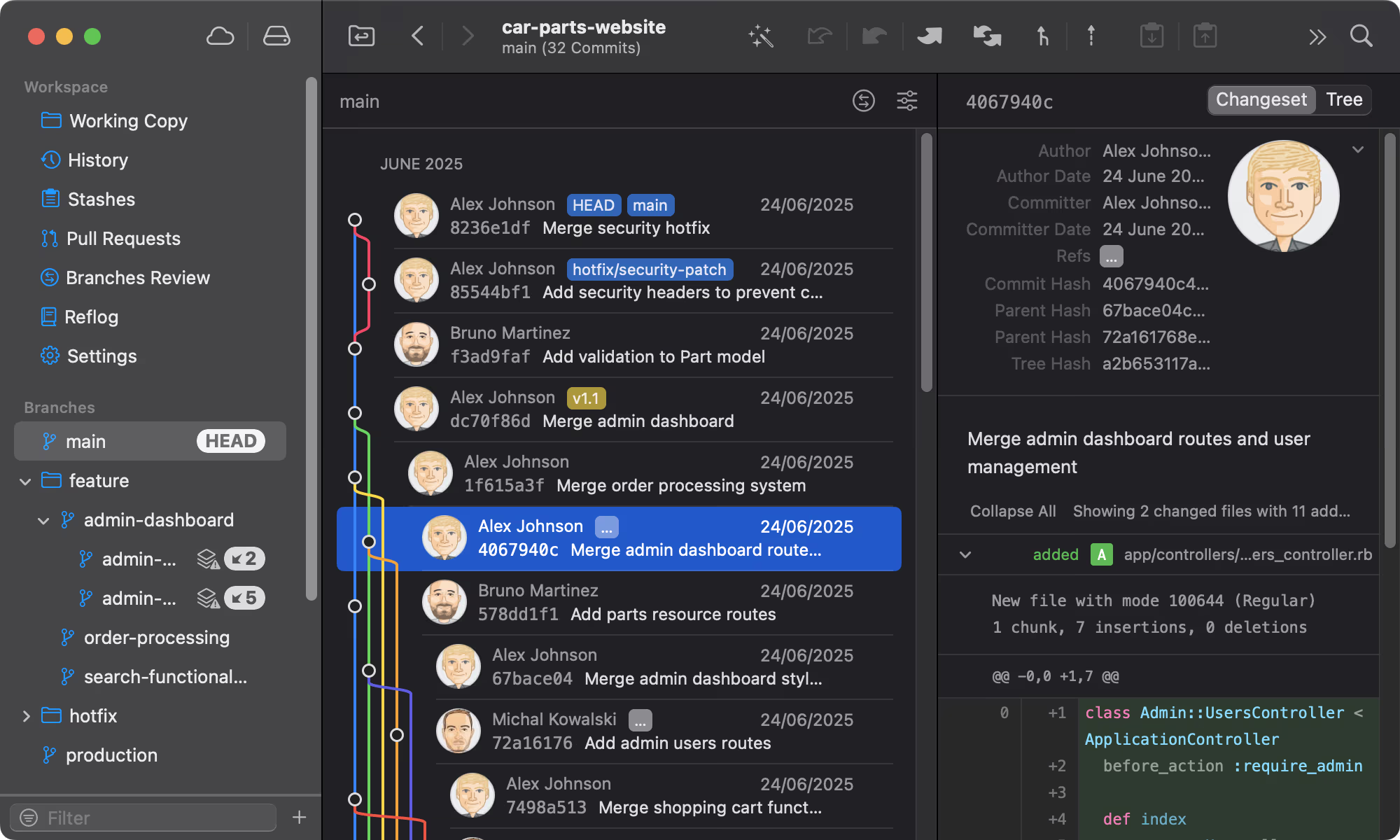
Git Tower
Get Started - It's FreeA powerful Git client for Mac and Windows that simplifies version control.
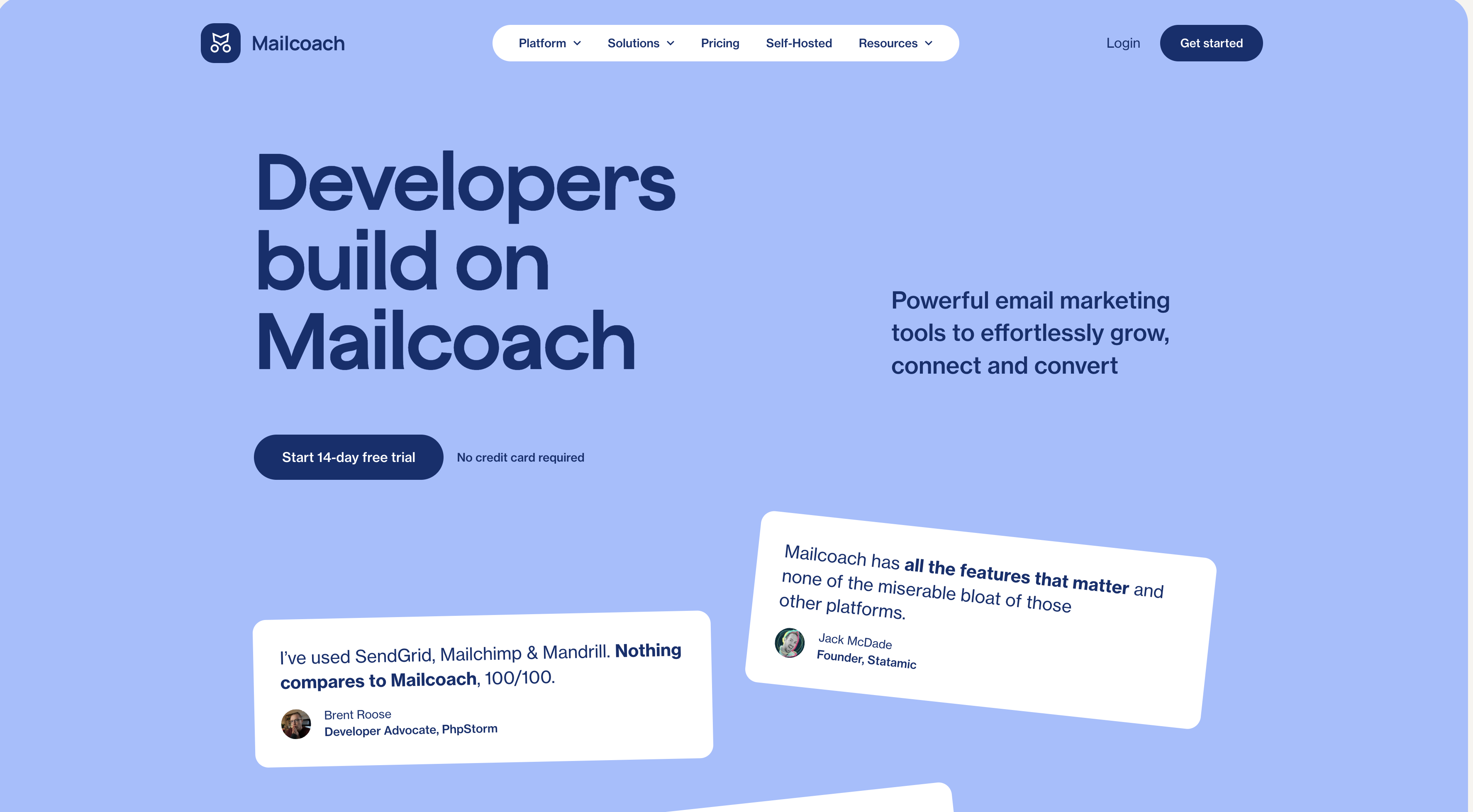
Mailcoach
Start freeSelf-hosted email marketing platform for sending newsletters and automated emails.
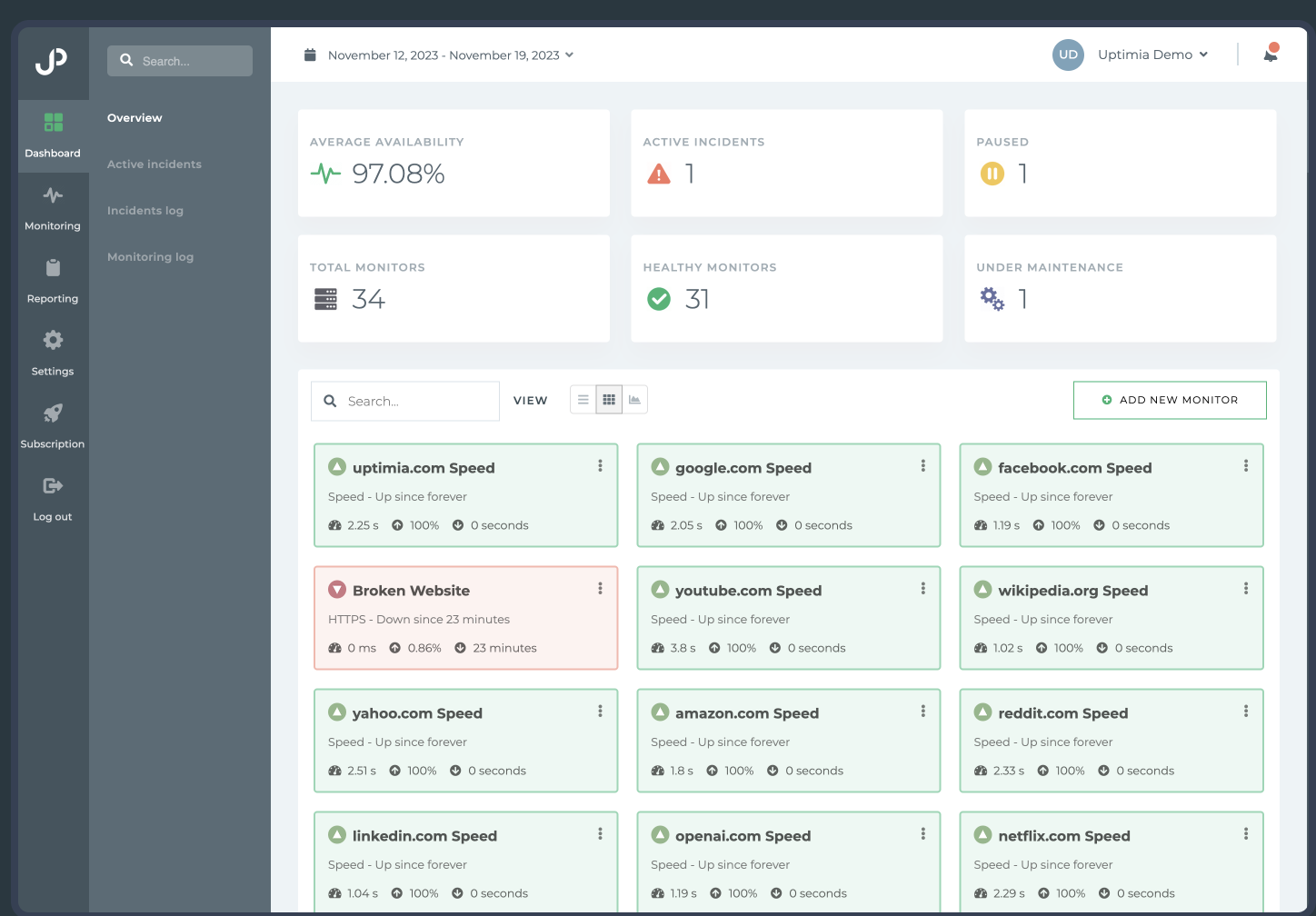
Uptimia
Start freeWebsite monitoring and performance testing tool to ensure your site is always up and running.
Cloudways
Start freeManaged cloud hosting platform that simplifies server management for developers.
Comments
No comments yet. Be the first to share your thoughts.