How to Set Up a Mailing List with Laravel, Statamic, and Mailgun
 Fermin Perdomo

This is a general outline for creating a mailing list with Laravel and Statamic using Mailgun and a service provider:
Set up your Mailgun account and obtain your API key.
Install the Mailgun package for Laravel using Composer:
Add a new class `MailgunServiceProvider` in `app\Providers\` folder:
Add the Mailgun service provider to your config/app.php file:
In your .env file, add your Mailgun API key and domain:
Create a form in your Statamic site that allows users to enter their email address and submit it to your mailing list.
In your Controler or your form submission handler, use the Mailgun service to add the user's email address to your mailing list:
Add your route to point to your controller:
Add you template: views ->errors->subscribe `views\errors\subscribe.antlers.html`
Views ->mail->subscribeviews\errors\subscribe.antlers.htmlConclusionThat's the basic process for setting up a mailing list with Laravel and Statamic using Mailgun. You can also use the Mailgun API to manage your mailing list, such as getting a list of members, updating member information, and so on.
Newsletter
Get new posts delivered straight to your inbox.
Great Tools for Developers
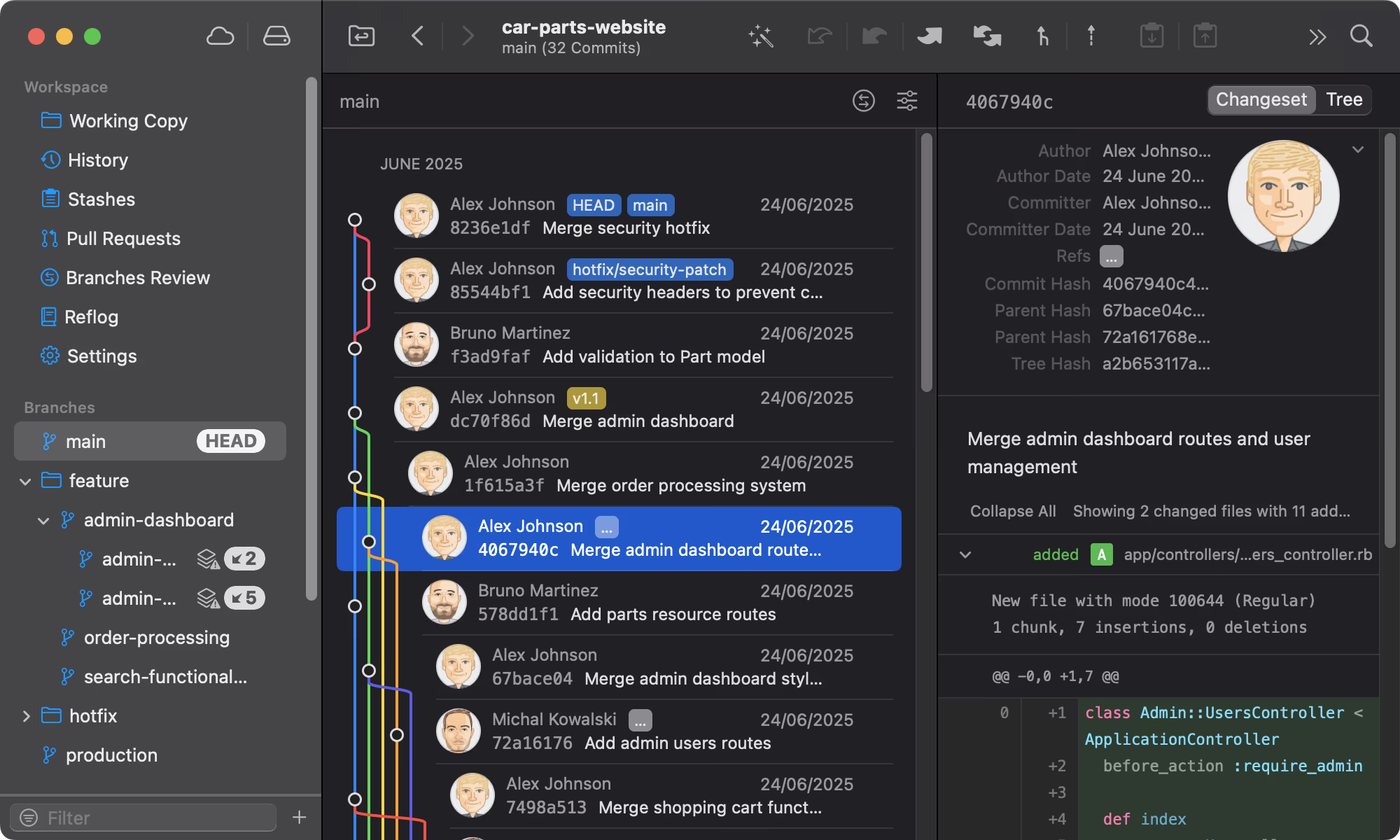
Git Tower
Get Started - It's FreeA powerful Git client for Mac and Windows that simplifies version control.
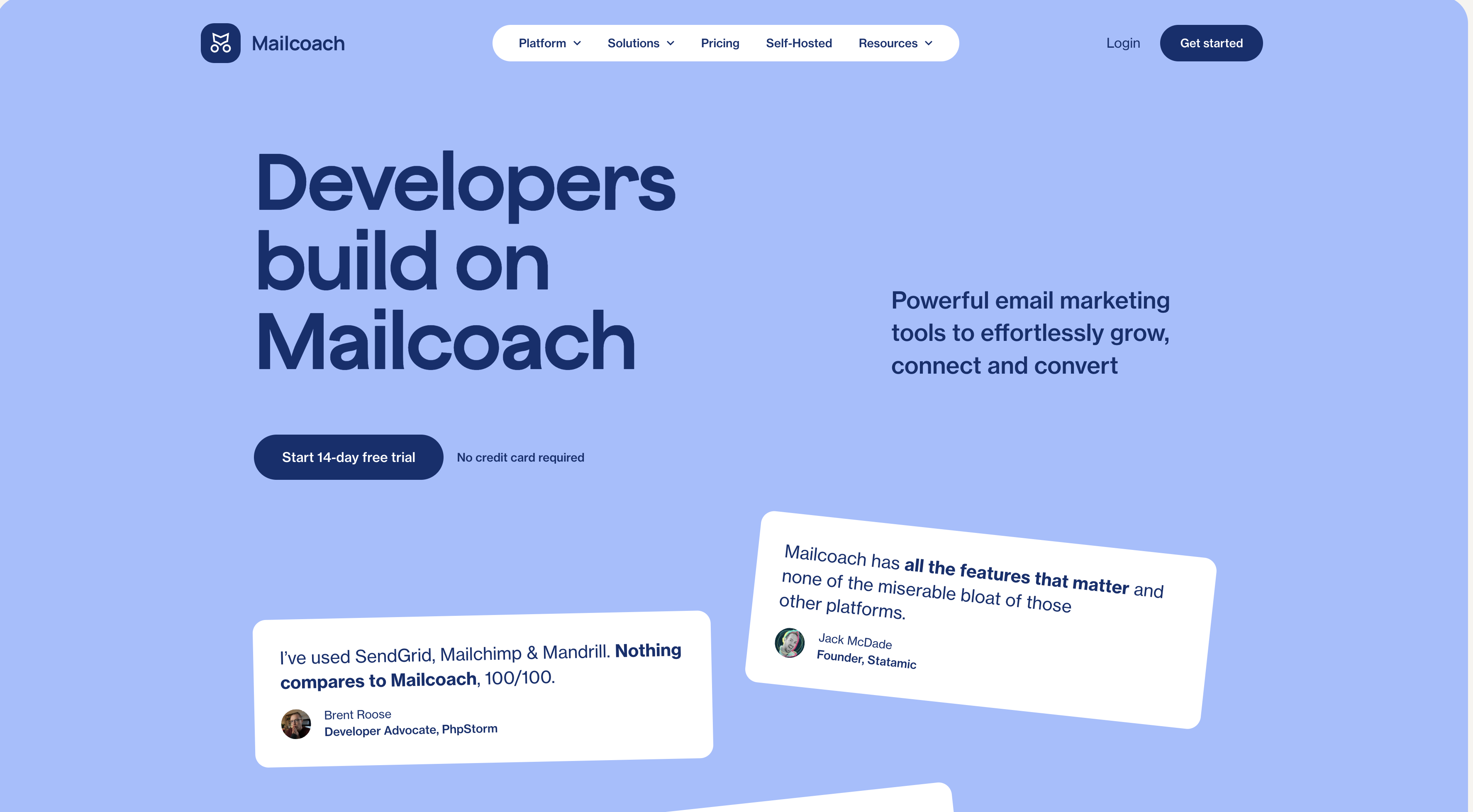
Mailcoach
Start freeSelf-hosted email marketing platform for sending newsletters and automated emails.
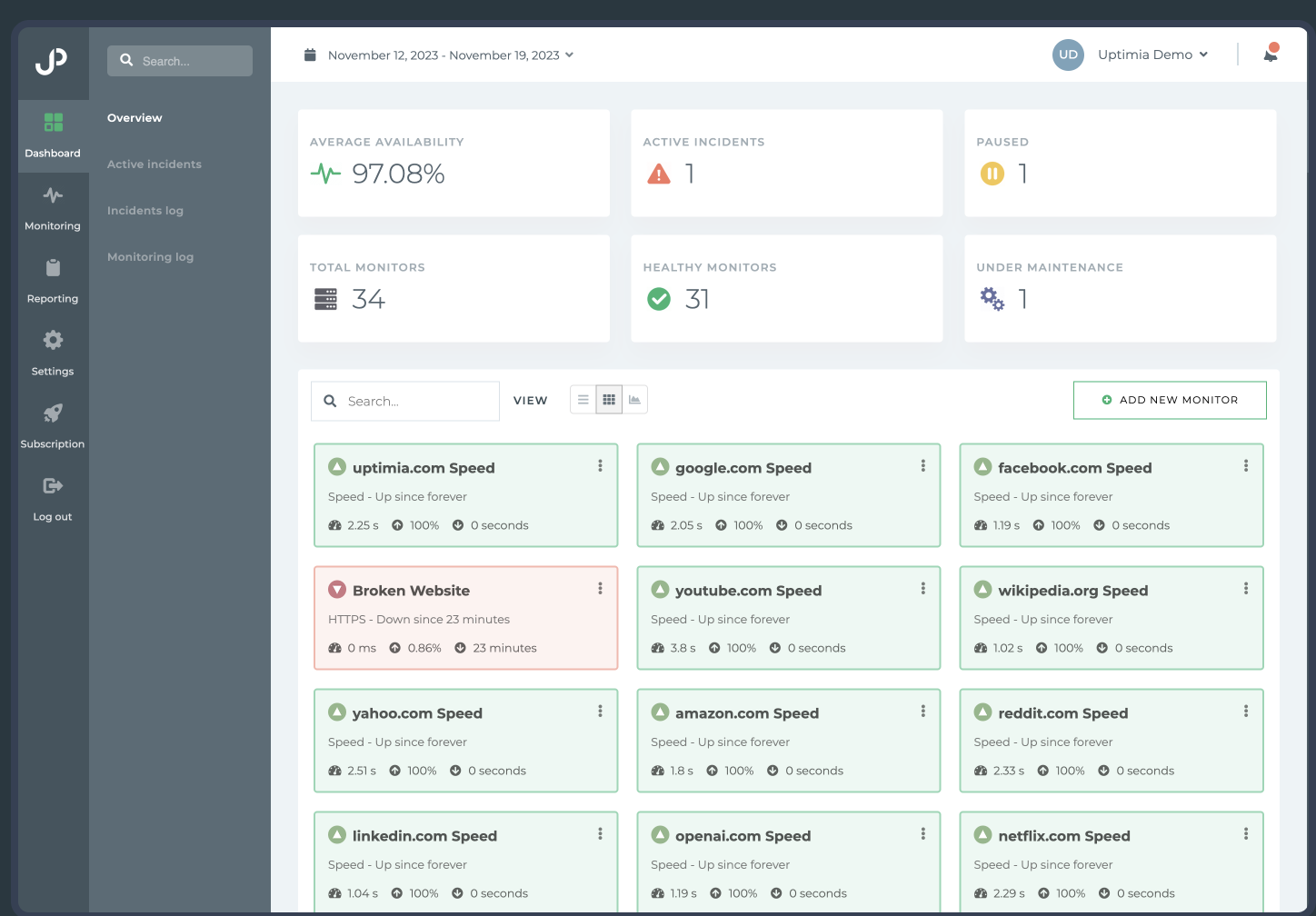
Uptimia
Start freeWebsite monitoring and performance testing tool to ensure your site is always up and running.

Cloudways
Start freeManaged cloud hosting platform that simplifies server management for developers.
Comments
No comments yet. Be the first to share your thoughts.