Step-by-Step: Generate SEO Image from Blog Post Title in Laravel
 Fermin Perdomo
In this tutorial, you will learn how to create an image for your blog using HTML and text.
1. Install Browsershot (uses Puppeteer + headless Chrome)
composer require spatie/browsershot
npm install puppeteer --save
Also, make sure you have Node.js installed on your server.
2. Create a Blade View Template for the OG Image
Create a Blade view:
resources/views/og-image.blade.php
<!DOCTYPE html>
<html>
<head>
    <meta charset="utf-8">
    <style>
        body {
            width: 1200px;
            height: 630px;
            background: #f5f5f5;
            color: #111;
            font-family: sans-serif;
            display: flex;
            align-items: center;
            justify-content: center;
            text-align: center;
            padding: 50px;
        }

        h1 {
            font-size: 60px;
            font-weight: bold;
        }
    </style>
</head>
<body>
    <h1>{{ $title }}</h1>
</body>
</html>
3. Create a Controller Method to Generate the Image
In app/Http/Controllers/OgImageController.php:
namespace App\Http\Controllers;

use Illuminate\Http\Request;
use Spatie\Browsershot\Browsershot;

class OgImageController extends Controller
{
    public function generate(Request $request)
    {
        $title = $request->query('title', 'Default Title');

        $html = view('og-image', compact('title'))->render();

        $path = storage_path("app/public/og-images/" . md5($title) . '.png');

        if (!file_exists($path)) {
            Browsershot::html($html)
                ->windowSize(1200, 630)
                ->setNodeBinary('/usr/bin/node') // Adjust path as needed
                ->setNpmBinary('/usr/bin/npm')   // Adjust path as needed
                ->save($path);
        }

        return response()->file($path);
    }
}
4. Add a Route
In routes/web.php:
route::get('/og-image', [OgImageController::class, 'generate']);
5. Use It in Your Blog Meta Tags
In your blog Blade view:
<meta property="og:image" content="{{ url('/og-image?title=' . urlencode($post->title)) }}">
6. Optional: Cache the Image
You can store the image in storage/app/public/og-images and serve it statically if already exists (as in the controller above), or even generate them during post creation.
Permissions
Make sure you:
- Publish storage with php artisan storage:link
- Give proper permissions to write files in storage/app/public/og-images
Test
Visit:
http://yourapp.test/og-image?title=How+to+Write+Great+Laravel+Apps
It will generate and show the image.
Newsletter
Get new posts delivered straight to your inbox.
Great Tools for Developers
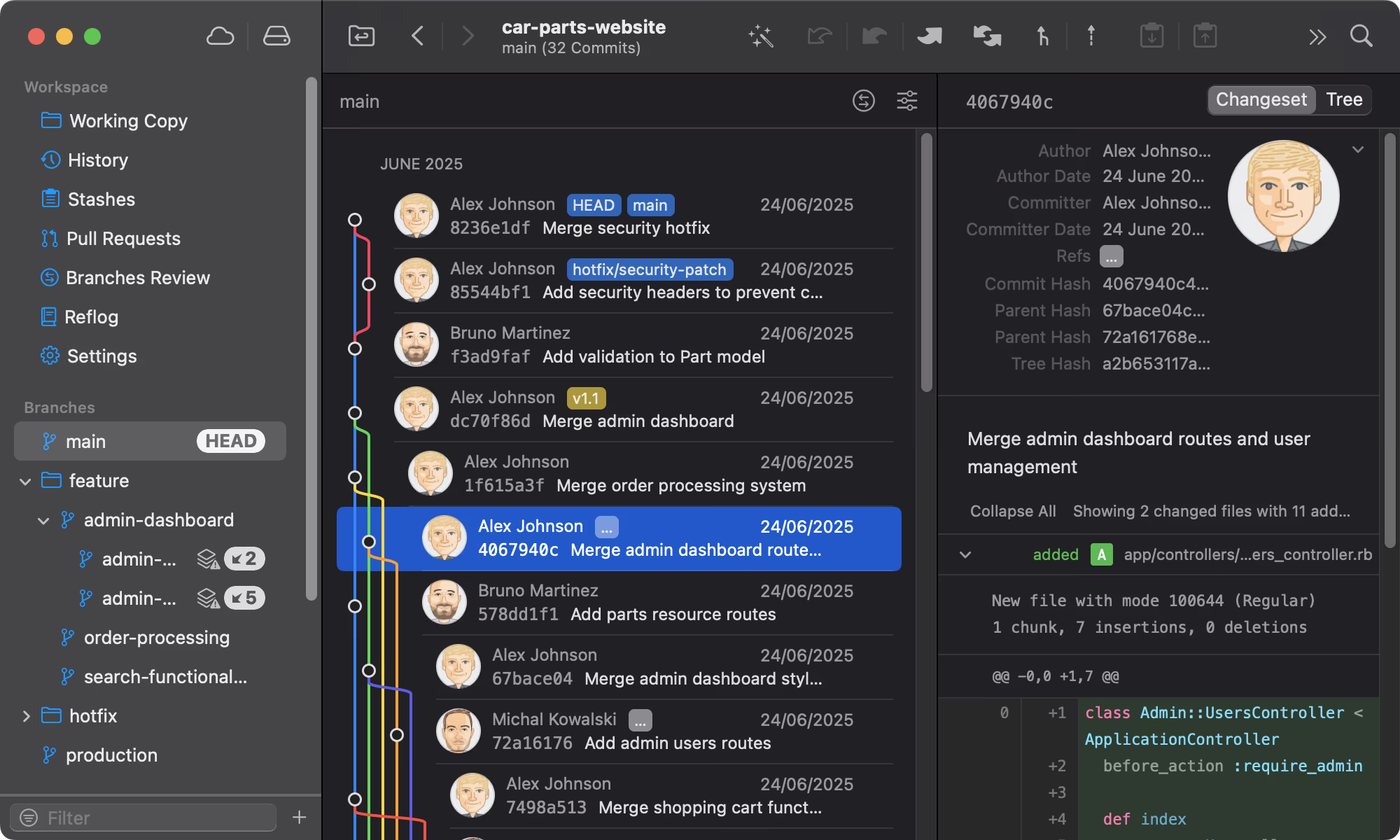
Git Tower
Get Started - It's FreeA powerful Git client for Mac and Windows that simplifies version control.
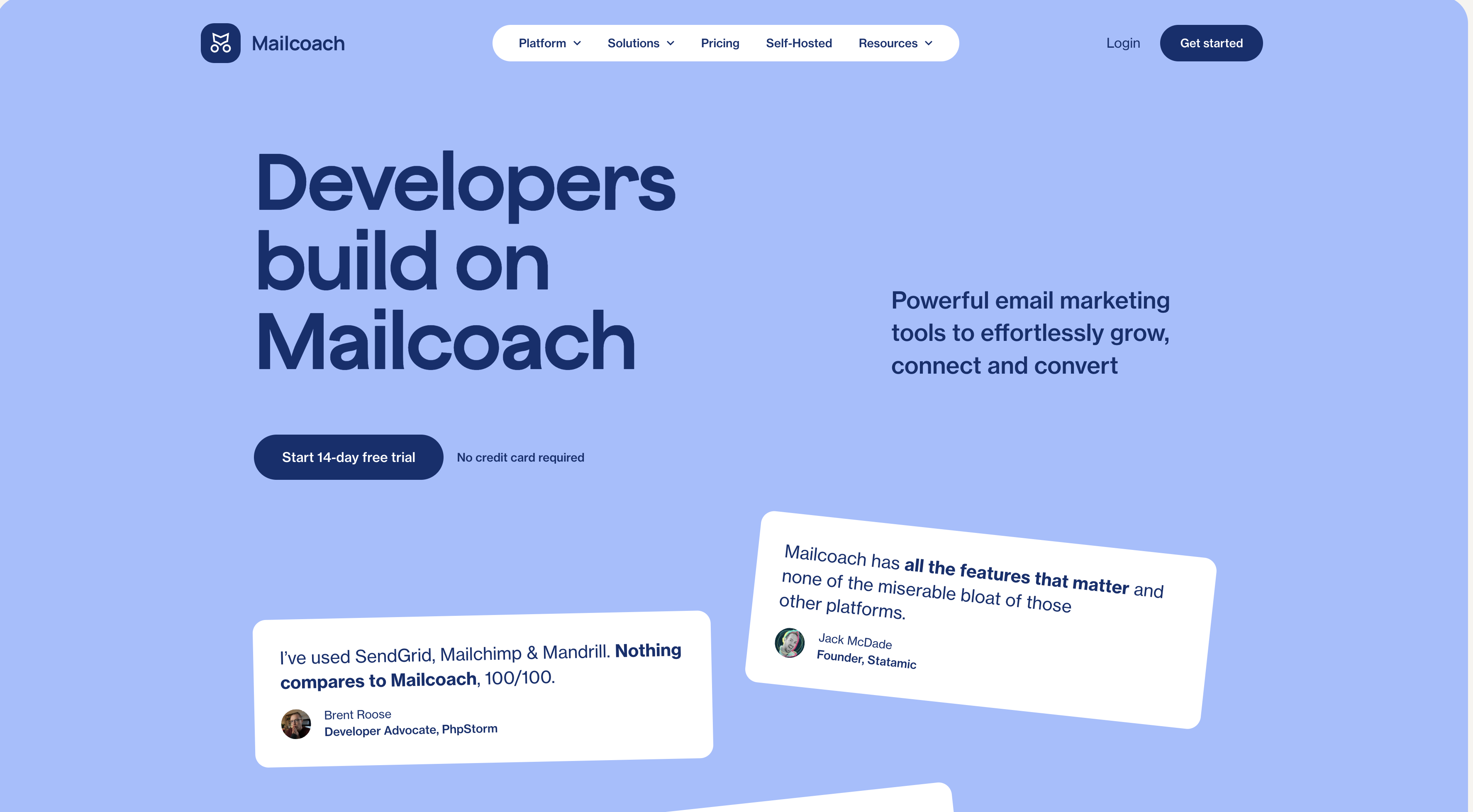
Mailcoach
Start freeSelf-hosted email marketing platform for sending newsletters and automated emails.
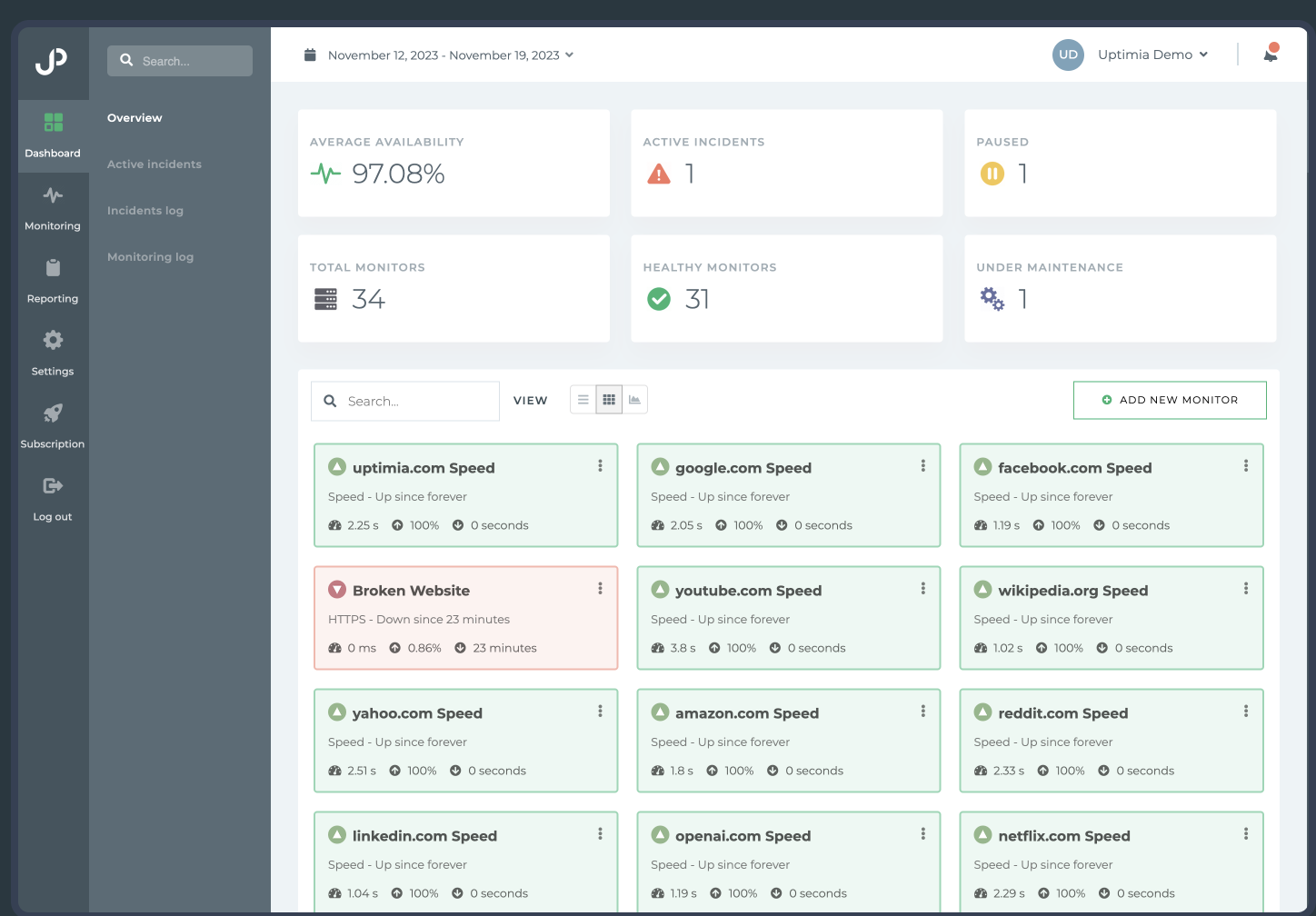
Uptimia
Start freeWebsite monitoring and performance testing tool to ensure your site is always up and running.

Cloudways
Start freeManaged cloud hosting platform that simplifies server management for developers.
Comments
No comments yet. Be the first to share your thoughts.